I need to make a change to my policy.
Once logged in to your Steadily Client Portal,
- Select the policy you want to review or change.
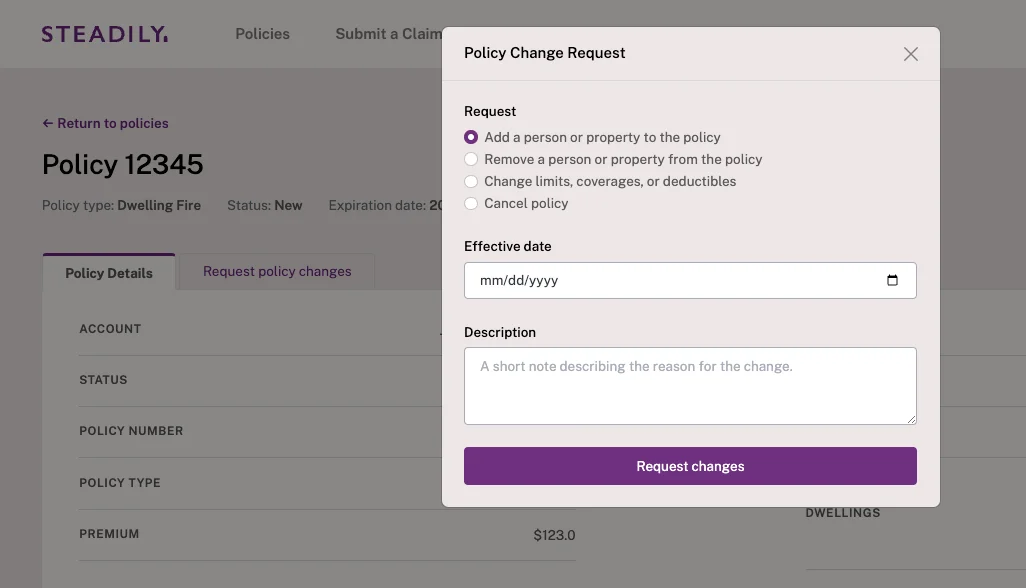
- You'll see a tab titled "Request policy changes".
- If you don't see the request type you are looking for, that's ok! Just select the closest choice and type what you need in the description.
- If our support team has any questions or needs additional information, we'll reach out!
- Once the change is made, you'll receive a confirmation email from support@steadily.com.
Get coverage in minutes
Competitive rates nationwide. Purpose-built for rental property investors.
